 Tydy
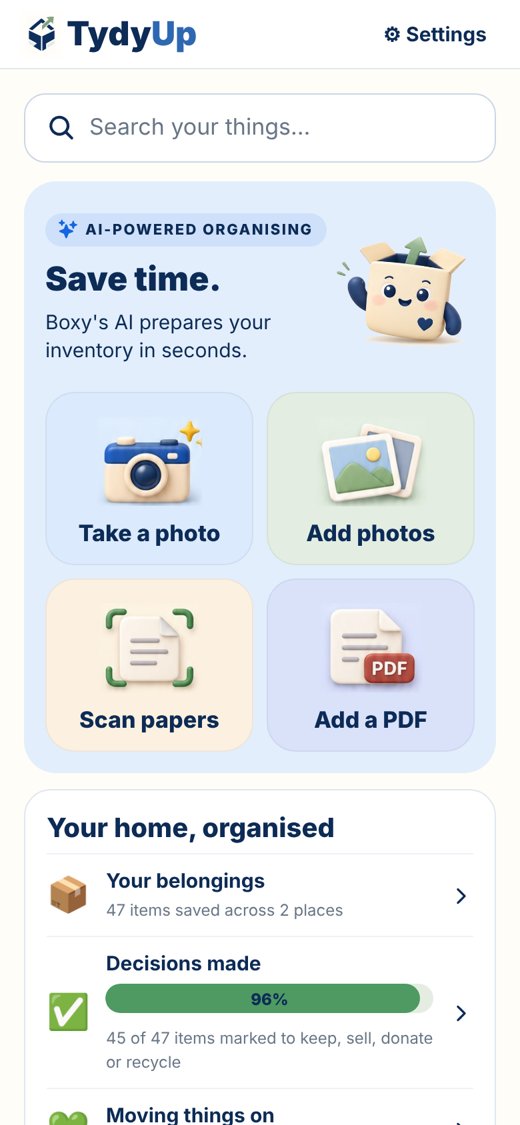
Two ways to use TydyUp
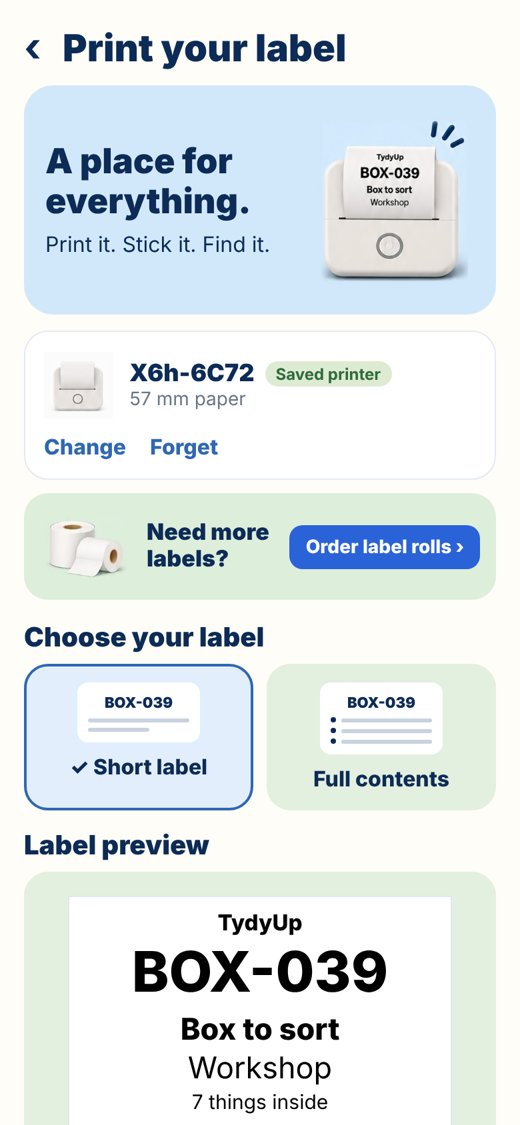
Print a quick label, or print what's already saved in your inventory.
| Quick labels New | Inventory labels |
|---|---|
| Type wording and print | Print information already saved in TydyUp |
| No inventory entry needed | Choose a box name, location or contents |
| Useful for everyday labelling | Useful for organising and finding belongings |
“A label tells you which box. TydyUp helps you remember what’s inside.”
1 · Photograph
Take a photo of a box, shelf or drawer.
2 · Review the AI list
Boxy drafts what's inside. You check and save.
3 · Save the place
Garage, top shelf — and a label like G1.
4 · Print a matching label
Short label for the front, full list for the lid.
Organise every corner
Real homes, real boxes.
Kitchen
Jars, cupboards and the drawer of mystery cables.
Garage
Tools, sports kit and seasonal boxes on shelves.
Moving home
Number every box, share the list, unpack faster.
Self-storage
Know what's in the unit without driving there.